Give every team its own corner of the cluster.
TenStead is a self-service platform for Kubernetes and virtual machines. Teams create namespaces, install apps from a catalog and start VMs on their own, within the quotas, policies and budgets you set.
TenStead is in private development and isn't available yet. This page is a preview of what it does.
The front door to your cluster, without the ticket queue
Most teams don't want to learn Kubernetes. They want a database by lunchtime. TenStead lets people sign in with your identity provider, choose what they need and get it running in minutes. The platform team keeps control of tenancy, security, approvals and cost, without having to handle every request themselves.
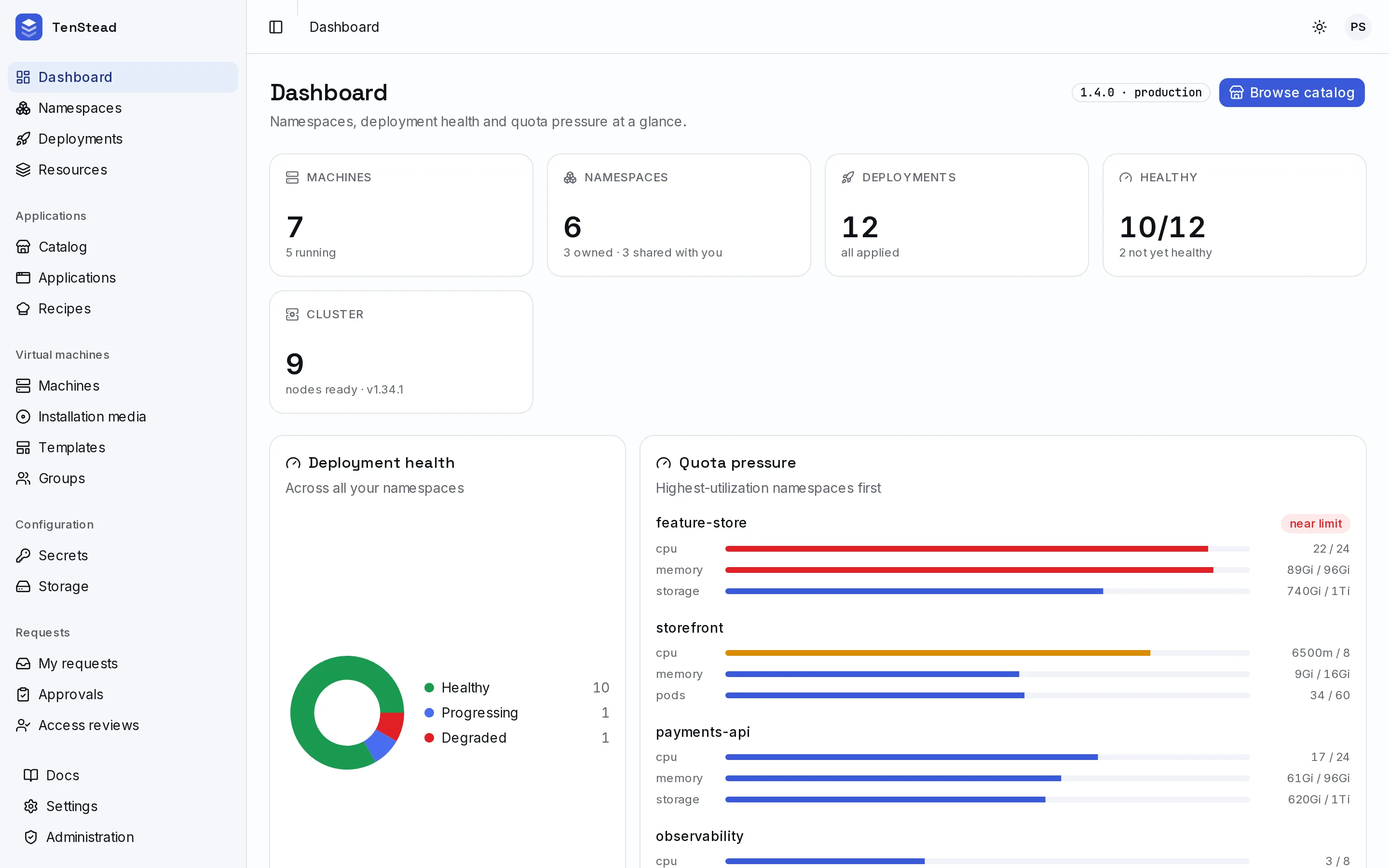
Install from a catalog, or bring your own
Curated apps install from a form built from their settings. Anything else deploys from a Helm chart, a Kustomize overlay, a Git repository or a container image. Every change becomes a revision you can roll back.
- Helm repositories and OCI registries, synced into one catalog
- Saved recipes for your own images, versioned on every save
- Live status, logs, shells and desktops in the browser
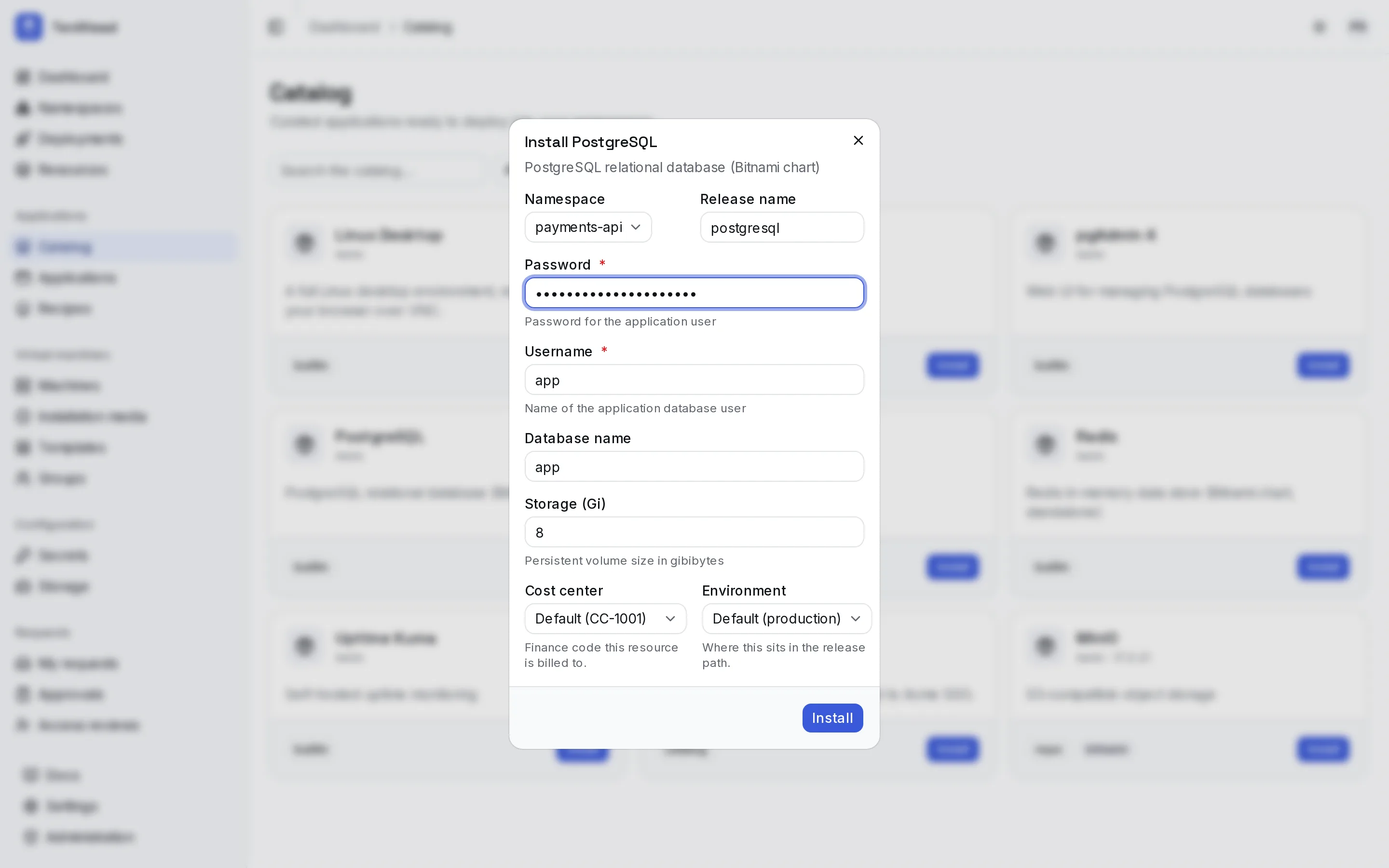
Namespaces that come with guardrails
Every namespace starts with quotas, network policy, Pod Security Standards and DNS already set up. Owners invite people or whole groups. Idle environments go to sleep on a schedule or when their lease runs out.
- Quota tiers charged to a personal or team allowance
- Owner, admin, developer and viewer roles
- Leases and sleep schedules, with reminders before anything stops
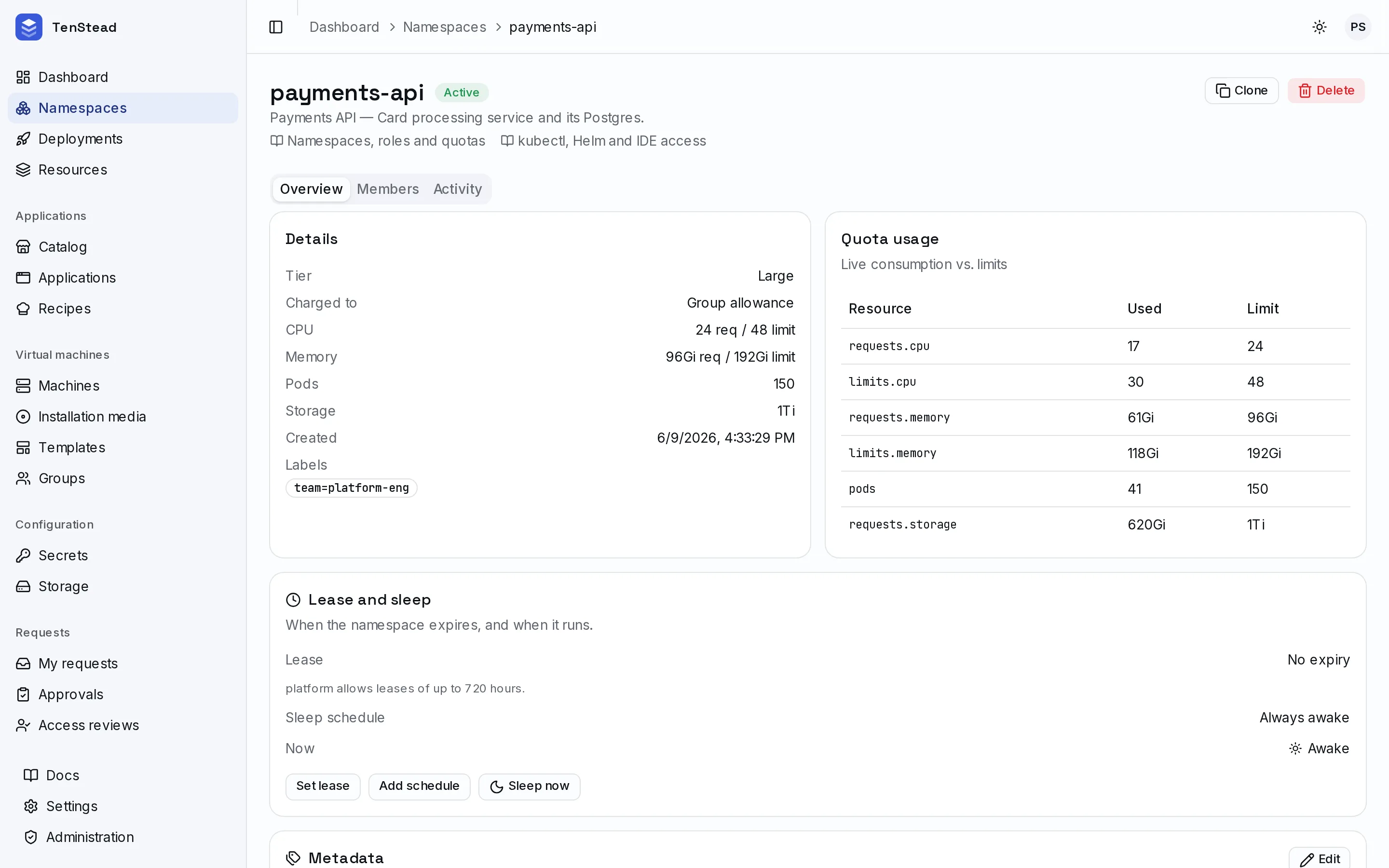
Virtual machines alongside your containers
Start Proxmox VMs from versioned templates or installation media, charged to a personal or team allowance. TenStead picks the host. You get the machine, its console and its backups.
- Templates captured from running machines, with release notes
- Snapshots, scheduled backups and data disks
- Leases that stop or remove forgotten machines
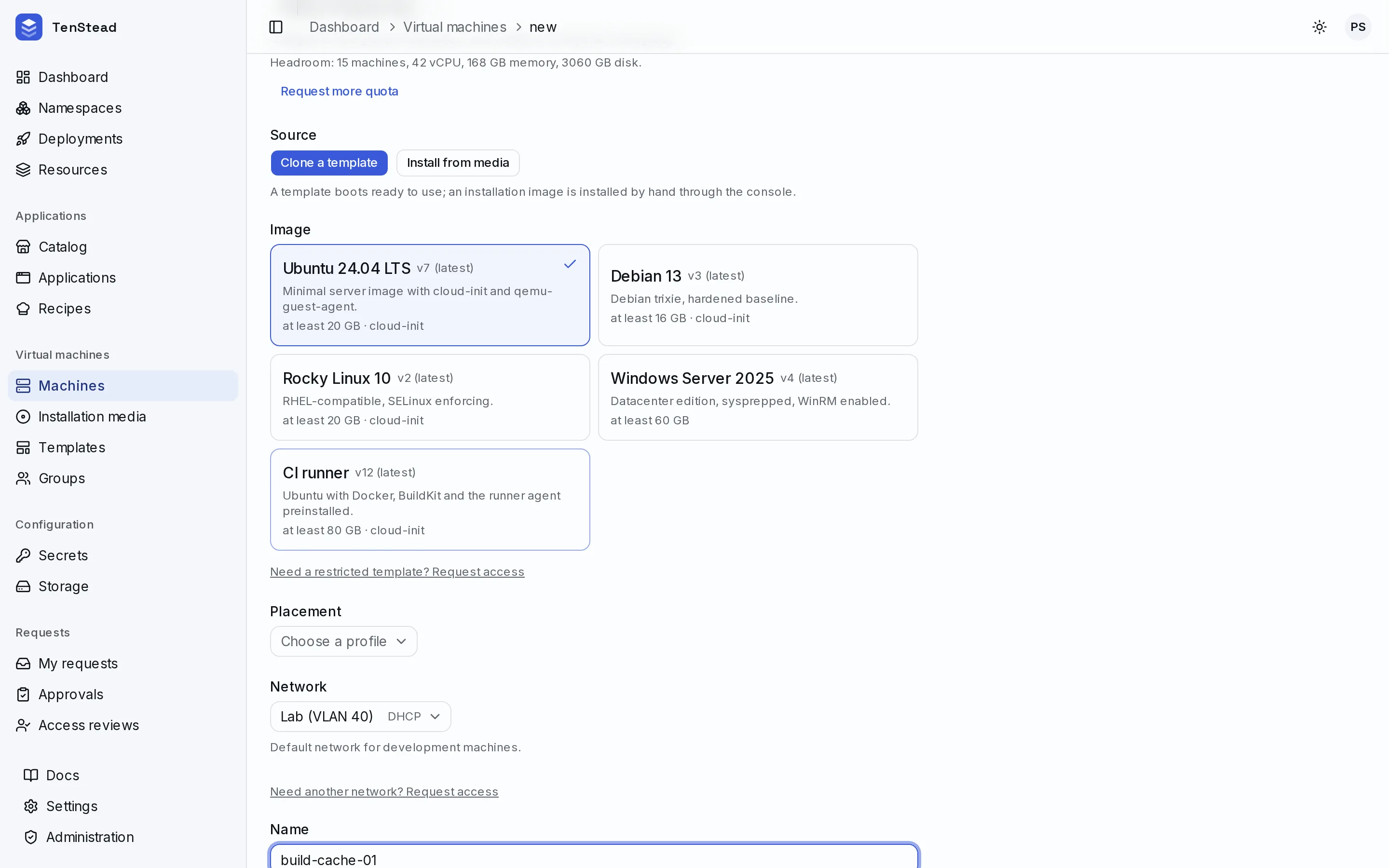
See who is spending what
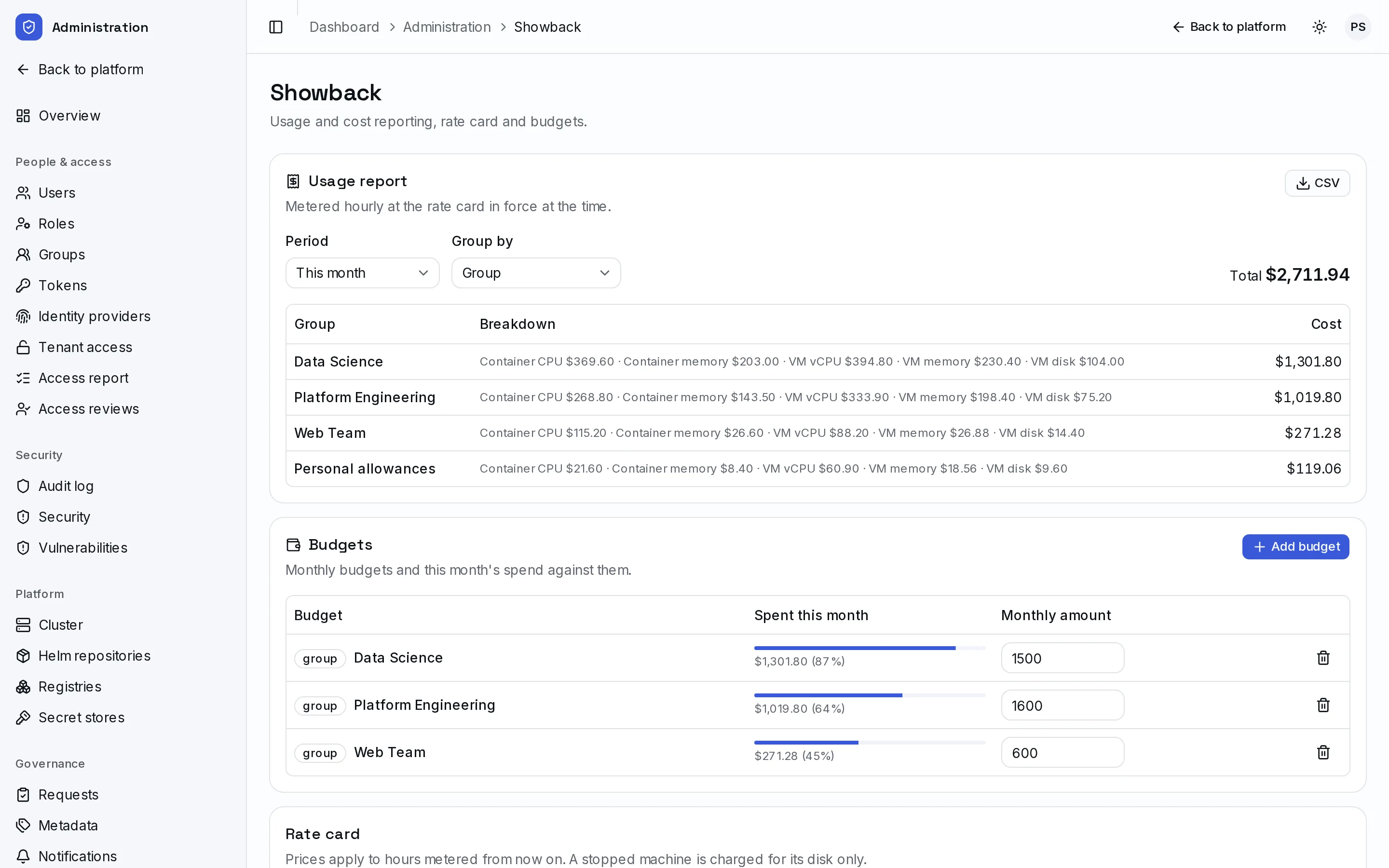
Usage is metered hourly against your rate card and totalled by team, cost center or environment. Budgets show spending as it happens. Requests beyond self-service limits go to the right approver.
- Showback for containers and VMs, exportable as CSV
- Monthly budgets, with optional blocking when one is exceeded
- Approval routing to group admins, platform admins or both
Security you can show an auditor
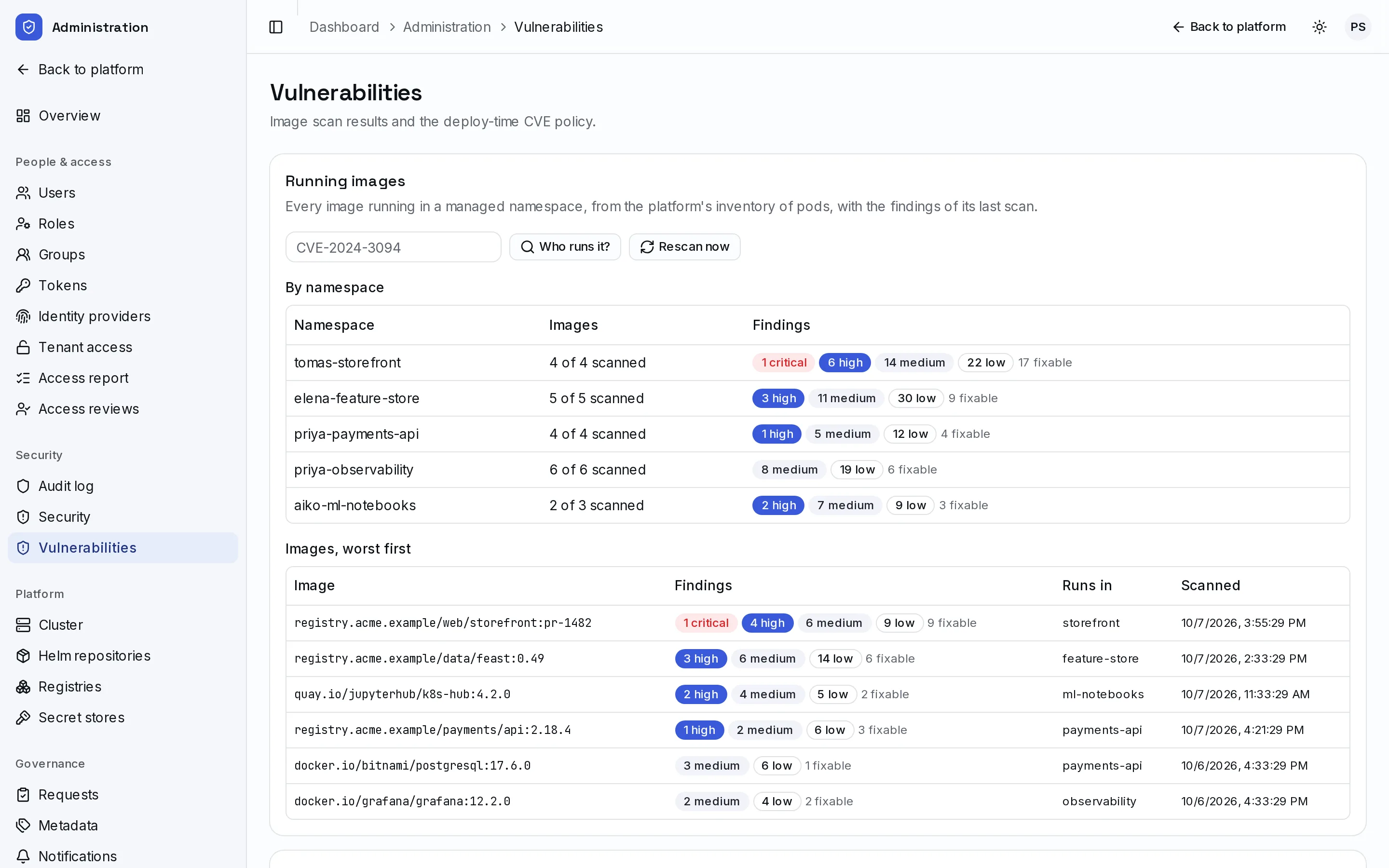
Every running image is scanned. A deploy-time policy can block critical CVEs in production while only warning in staging. A tamper-evident audit trail records who did what and from where, and can stream it to your SIEM.
- Vulnerability rollups by namespace and image, with exceptions that expire
- Image policy enforced for every deployment engine
- Alerts on high-risk events such as denied sign-ins and secret reads
Sign in with the accounts you already have
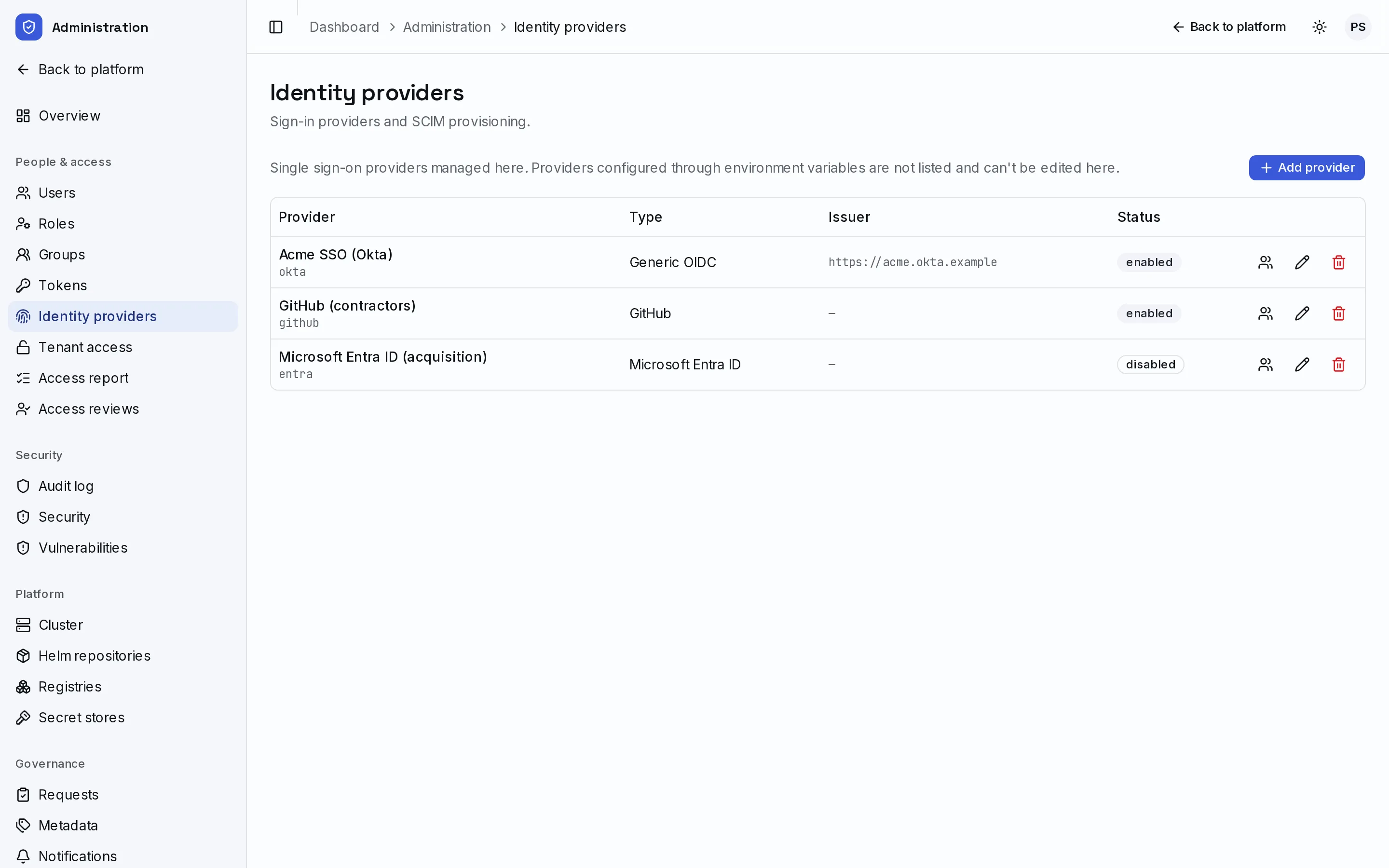
Connect Okta, Microsoft Entra ID, Google, GitHub, Keycloak, Authentik or any OIDC provider. SCIM keeps users and groups in sync. Administrators get just-in-time elevation instead of standing access to tenant data.
- Platform roles with fine-grained permissions
- Personal access tokens and service accounts for automation
- Access reports and periodic access review campaigns
What's included
Everything below is part of one platform, managed from one place.
Deploy
- App catalogCurated apps with forms built from their settings
- Helm, Kustomize, Git and manifestsOne deployment model for every engine
- RecipesYour own container images with ports, environment and storage
- Revisions and rollback
- Registries and Helm repositories, HTTP and OCI
Tenancy
- Self-service namespacesQuota tiers, members and group grants
- Network and Pod Security policyApplied to every tenant automatically
- Ingress and DNSHostnames assigned and protected from hijacking
- Secrets with an encrypted history
- External secret stores
- Leases and sleep schedules
Virtual machines
- Proxmox VE hypervisorsPlacement across hosts, profiles and networks
- Versioned templates and installation media
- Browser console
- Snapshots and scheduled backupsWith grandfather-father-son retention
- Personal and group allowances
- Sharing machines with users and groups
Identity and access
- OIDC sign-in with any provider
- SCIM 2.0 provisioning
- Platform roles and permissions
- Just-in-time admin elevation
- API tokens and service accounts
- kubectl, Helm and IDE accessThrough an authenticating Kubernetes proxy
Governance and cost
- Requests and approvals
- Required metadata and tagging
- Showback with a rate card and budgets
- Access reviews
- Notifications by email, chat and webhook
Security and operations
- Image vulnerability scanningWith a deploy-time CVE policy
- Tamper-evident audit logSearchable, exportable, streamed to your SIEM
- Security alerts
- Key rotation without downtime
- Live updates across the interface
- Terraform and OpenTofu provider